Install notes · Install notes
Getting 918Kiss onto a phone, and what the old iOS 32/64 split meant
918Kiss isn't in Google Play or the App Store. What the Android and iPhone install steps involve, why old pages split iOS into 32 and 64, and how to stay safe.
The old version of this page was three links and a list of iPhones: iPhone 5s to iPhone X for the "IOS 64" build, iPhone 5 and older for "IOS 32", and an Android file. Nothing else. The links are long dead, and the iPhone list is a museum piece. What hasn't changed is the process of getting an app like 918Kiss onto a phone when it isn't in any app store. That's what this page is about.
We don't host or link the 918Kiss files. Get the current link from the provider who gives you your game ID, and nowhere else.
Android
On Android the app comes as an installer file downloaded through your browser. Android blocks these by default, so the first time you open it you'll get a prompt saying your phone isn't allowed to install unknown apps from this source.
- Tap Settings on that prompt.
- Turn on Allow from this source for the browser you used (Chrome, for example). Only that one app, not every app.
- Go back and tap Install.
- When it's done, go back to Settings and switch Install unknown apps off again for that browser.
Google Play Protect may warn you that the app is unknown or unsafe. That's expected for an app from outside the store, but take it as a reminder to be sure where the file came from. If you're updating and Android says the new package conflicts with the installed one, stop there. A signature mismatch can mean a tampered file. Uninstall the old version and get a clean link from your provider.
iPhone and iPad
Apps like 918Kiss reach iPhones through enterprise certificates, meant for companies to install in-house apps on staff phones. After installing, tapping the icon shows Untrusted Enterprise Developer. Cancel it, then:
- Open Settings > General > VPN & Device Management (older iOS versions just say Device Management or Profiles).
- Under Enterprise App, tap the developer name the app was signed with.
- Tap Trust, then confirm.
Apple revokes these certificates when it finds them used for public distribution. When that happens the app stops opening overnight, on every phone at once. Your account is fine; delete the app and ask your provider for the current build, which will likely show a different developer name.
Remove any old developer entries in Device Management that you no longer recognise, along with their apps.
The 32-bit and 64-bit builds
The iPhone 5 and older had 32-bit processors. The iPhone 5s, released in 2013, was the first 64-bit iPhone, and the old page's IOS 64 build covered it through to the iPhone X, plus the iPad Air and iPad mini 2 onwards. Since iOS 11 only 64-bit apps run at all, so today there's only one kind of iPhone build. If someone offers you a "32-bit" version now, it's either very old or not what it says.
Checking you got the real thing
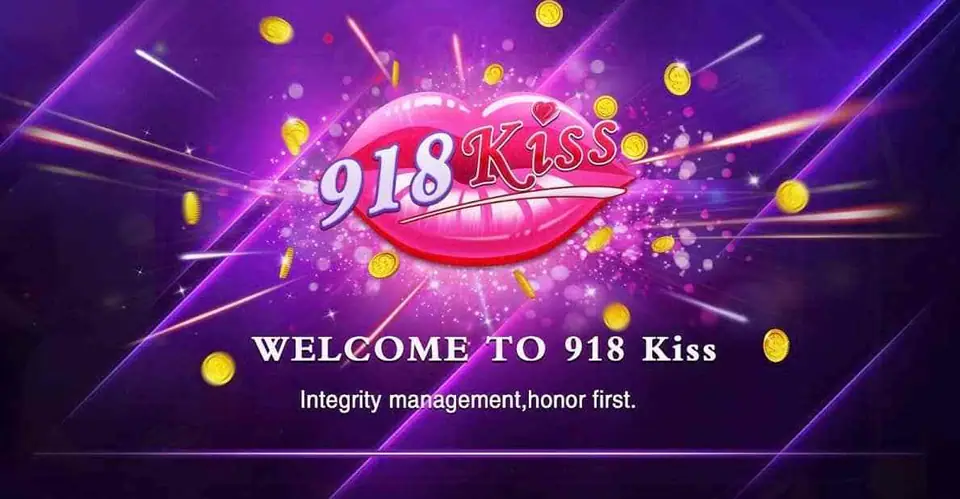
A genuine install opens on a purple splash with the pink lips logo and "WELCOME TO 918 Kiss", then the login screen. After logging in you should see the lobby and games like Great China or Panther Moon, with your balance and username at the top.
Some habits worth keeping:
- The app should never ask for your bank login, card number or a TAC. Top-ups go through your provider, not through the app.
- Refuse SMS, contacts and accessibility permissions. A casino app has no use for them.
- Your 918Kiss username is often your phone number. Crop it out of screenshots.
- Change the password your provider gives you if the app lets you.
More about the games and how cuci works is in the 918Kiss overview and on the 918Kiss games page. Install notes for the other apps are under install notes. If you don't have an ID yet, get a 918Kiss game ID from a provider first.
You need to be 18 or older, and online gambling is restricted in Malaysia. Set your limit before you install, not after; see responsible gaming.
Questions people ask
Why did the old 918Kiss page have separate iOS 32 and iOS 64 links?
Older iPhones (iPhone 5 and earlier) had 32-bit chips, while the iPhone 5s onwards are 64-bit. For a while apps shipped separate builds for each. Since iOS 11 only 64-bit apps run, so that split is history.
Will I lose my 918Kiss balance if I delete and reinstall the app?
No. The balance sits on your game ID on the 918Kiss server, not on the phone. Reinstalling only replaces the app; log in again with the same ID.
Where do I get the 918Kiss app?
It isn't in Google Play or the App Store. Players get the current link from the provider who issued their game ID. We don't host or link the files.
Real-money games; online gambling is restricted in Malaysia. Never top up money you need, and stop when it stops being fun. Responsible gaming.